What your child will do in ReadLab
Short texts, smart questions and a level that adapts. That's how ReadLab works.

Last week we told you why we're building ReadLab. This week we'll show you what the app actually does.
How it works
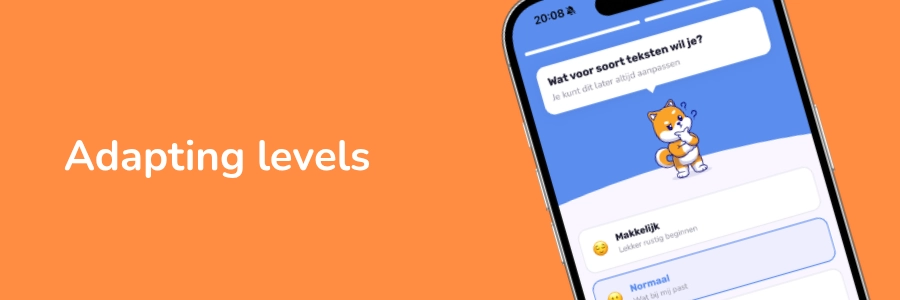
Your child reads a short text at their own level and answers questions.
But not the kind you might expect.
Not "which word is in line three."
Instead, questions that make your child think about what the text actually says. Does my child get what it's about? Can they connect the dots?
That's what your child will practice with ReadLab.
The level adapts automatically.
Doing well? It gets more challenging. Struggling a bit? The app scales back. You don't have to change a thing.
What you see as a parent
You get a clear overview of how your child is doing.
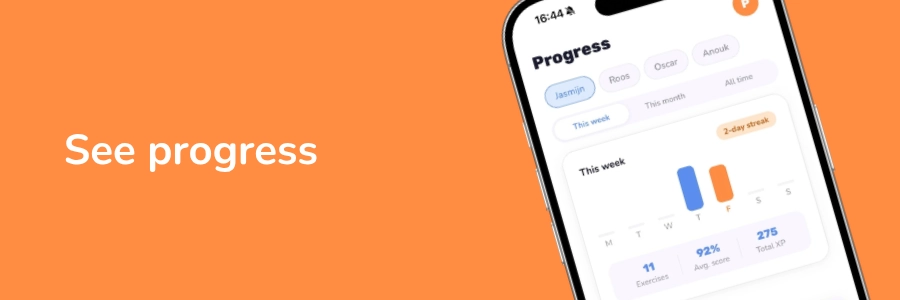
Where their strengths are, and where there's room to grow. You can add up to four children, each with their own profile and level. So it works for the whole family.
Screen time under control
We're parents too. We don't want kids glued to a screen either.
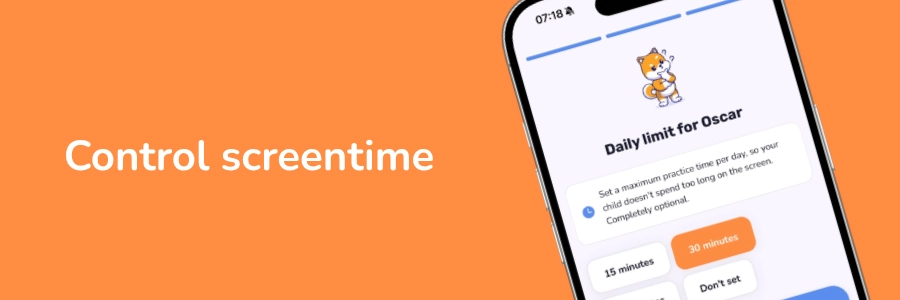
That's why you can set a minimum and maximum screen time per child.
The minimum works as a daily nudge: time for your exercise. The maximum as a hard limit. You decide.
What ReadLab is not
Just as important. ReadLab is not a learn-to-read app. We don't teach children letters or sounds. It's not a digital library, and not an app that scores on reading speed or pages read.
ReadLab does one thing, and does it well: teach children to understand what they read.
Next week we'll share where we are with development and when you can get started.